
3D Virtual Walkthroughs for Construction Documentation
Interactive walkthroughs let your full project team — contractors, owners, architects, engineers — review the building without being on site. We capture the space once and deliver a navigable visual record that supports coordination, planning, and documentation.
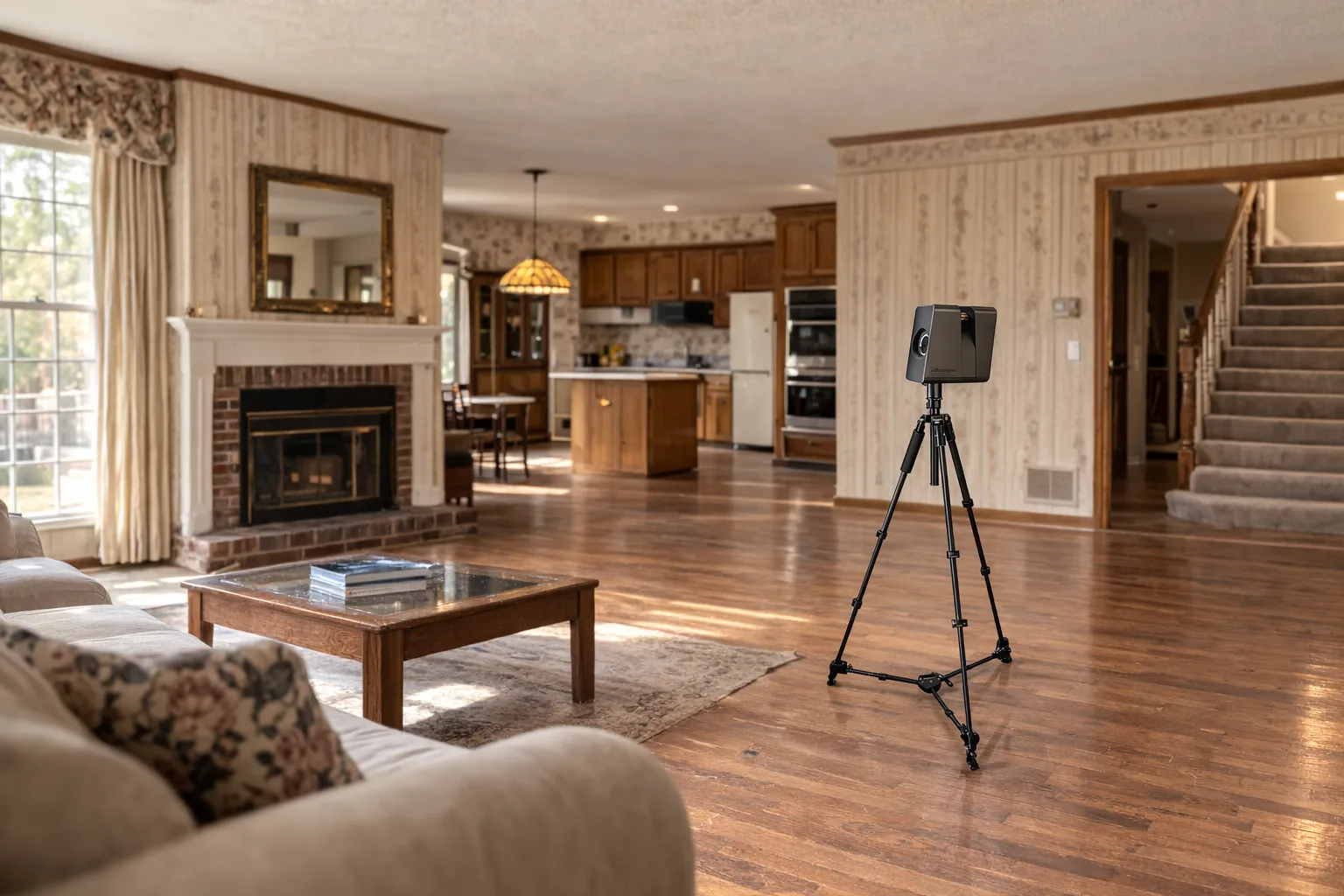
Remote walkthroughs for the full project team
Construction projects rarely move at the same pace for every stakeholder. Owners are balancing approvals, architects are reviewing field conditions, engineers are checking coordination issues, and subcontractors need to understand what exists before they arrive. A 3D virtual walkthrough gives each of those people a way to review the building remotely, on their own schedule, without waiting for another site visit.
That matters on active projects where access can be limited, travel time adds cost, or multiple decision-makers are spread across different offices. Instead of relying on scattered phone photos or incomplete notes, the team can move through the captured environment, inspect spaces from room to room, and understand site conditions with much more context. The walkthrough becomes a shared reference point that keeps conversations grounded in the actual building.
For renovation and tenant improvement work, this is especially useful at the front end of the project. Teams can review ceiling heights, circulation paths, room relationships, and field conditions before design starts in earnest. It shortens the gap between the first site capture and productive planning work.
Where walkthroughs add value
- Remote stakeholder review for owners, architects, engineers, and consultants
- Insurance and restoration documentation with a complete visual record of existing conditions
- Project coordination with subcontractors before field mobilization
- Pre-construction planning for renovation, remodel, and adaptive reuse work
- Progress documentation at multiple project phases
Insurance, restoration, and existing conditions records
When a project involves damage assessment, restoration planning, or existing-conditions verification, the value of a complete visual record goes up quickly. A 3D walkthrough preserves the state of the building at the time of capture, making it easier to revisit specific rooms, identify affected areas, and review what was present before work began. This is useful for restoration contractors, adjusters, consultants, and owners who need a clearer record than standard photos usually provide.
Because the walkthrough covers the full environment, it helps teams avoid missing context between isolated images. Mechanical chases, room transitions, corridor relationships, and access conditions remain visible when the project team comes back to review the site later. That improves internal communication and reduces the risk of decisions being made from incomplete records.
For standard renovation projects, the same principle applies. Existing conditions are often obvious on site but harder to communicate once the team is back in the office. A walkthrough keeps the building accessible after the field visit, which is exactly what helps estimators, designers, and project managers move faster with fewer assumptions.
Better coordination before and during construction
Project coordination improves when subcontractors and consultants can see the same conditions the core team saw in the field. A walkthrough helps mechanical, electrical, plumbing, structural, and specialty trades understand access, existing layout, and constraints before they arrive. That saves time during bidding, preconstruction, and early coordination because fewer questions depend on memory or another return trip.
It also supports progress documentation. Capturing the building at key phases gives the team a date-specific record of what was in place at that moment, whether the project is in selective demolition, framing, rough-in, or closeout. Those phase captures are useful for owner updates, internal reporting, coordination reviews, and documenting concealed conditions before the next layer of work covers them.
We can pair the walkthrough with floor plans, CAD files, and existing conditions documentation when the project needs more than visual reference alone. The walkthrough isn't a standalone marketing asset — it's part of a construction documentation workflow that helps teams plan and execute with better information.
Frequently Asked Questions
How do construction teams use 3D virtual walkthroughs?
Construction teams use 3D virtual walkthroughs to review existing conditions, share site context with owners and consultants, coordinate with subcontractors, and reduce unnecessary site visits while keeping the building accessible to the full project team.
Can a virtual walkthrough help with insurance and restoration documentation?
Yes. A virtual walkthrough creates a complete visual record of conditions at the time of capture, which helps insurance, restoration, and remediation teams document affected areas, verify scope, and reference the building later during planning and review.
Can you capture walkthroughs at multiple phases of a project?
Yes. We can document pre-construction conditions, in-progress work, and later project phases so teams have a consistent visual record to compare changes, confirm coordination, and communicate status with stakeholders.